New Cozy color-by-number pixel art for iPhone & iPad

Paint by Pixels - Relaxing Pixel Coloring ✨

A relaxing pixel-art coloring game made for calm focus. Pick a picture, follow the numbers, and bring it to life — one pixel at a time. Optimized for iOS & iPadOS. Apple Pencil supported. Internet connection required.


Download on the App Store Download on the App Store Get it on Google Play Google Play — coming soon
Cute art Pixel style Daily relaxing
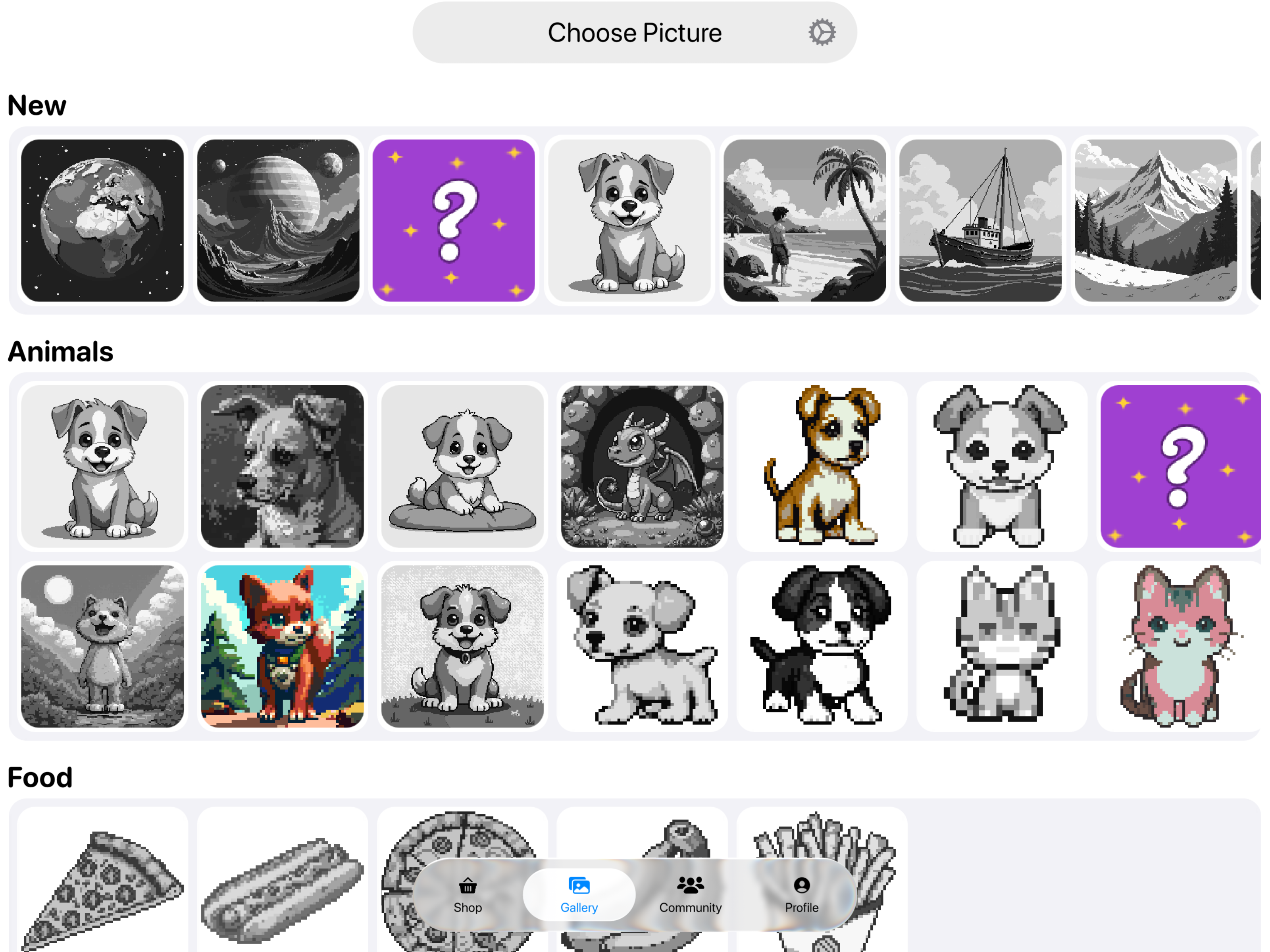
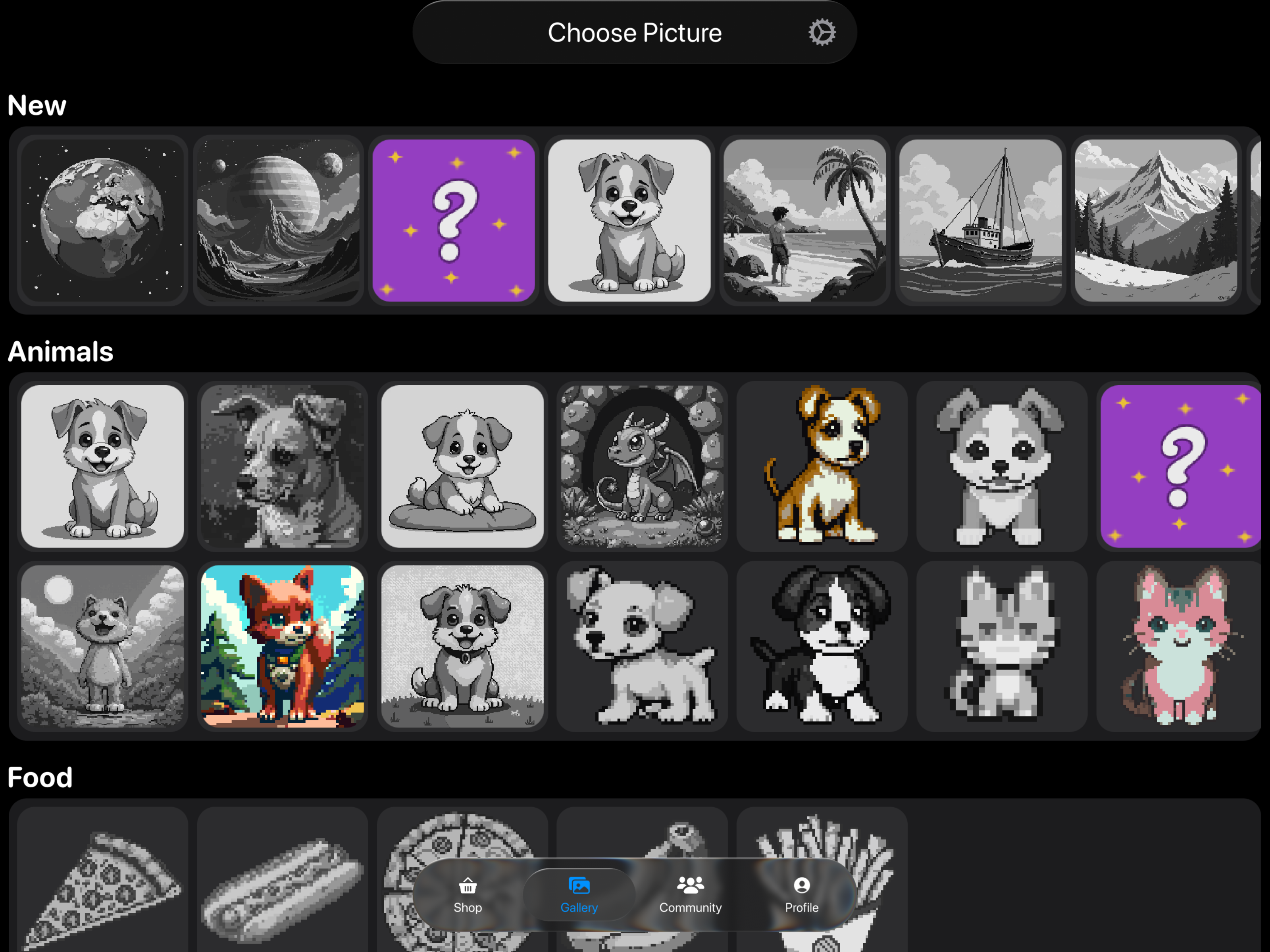
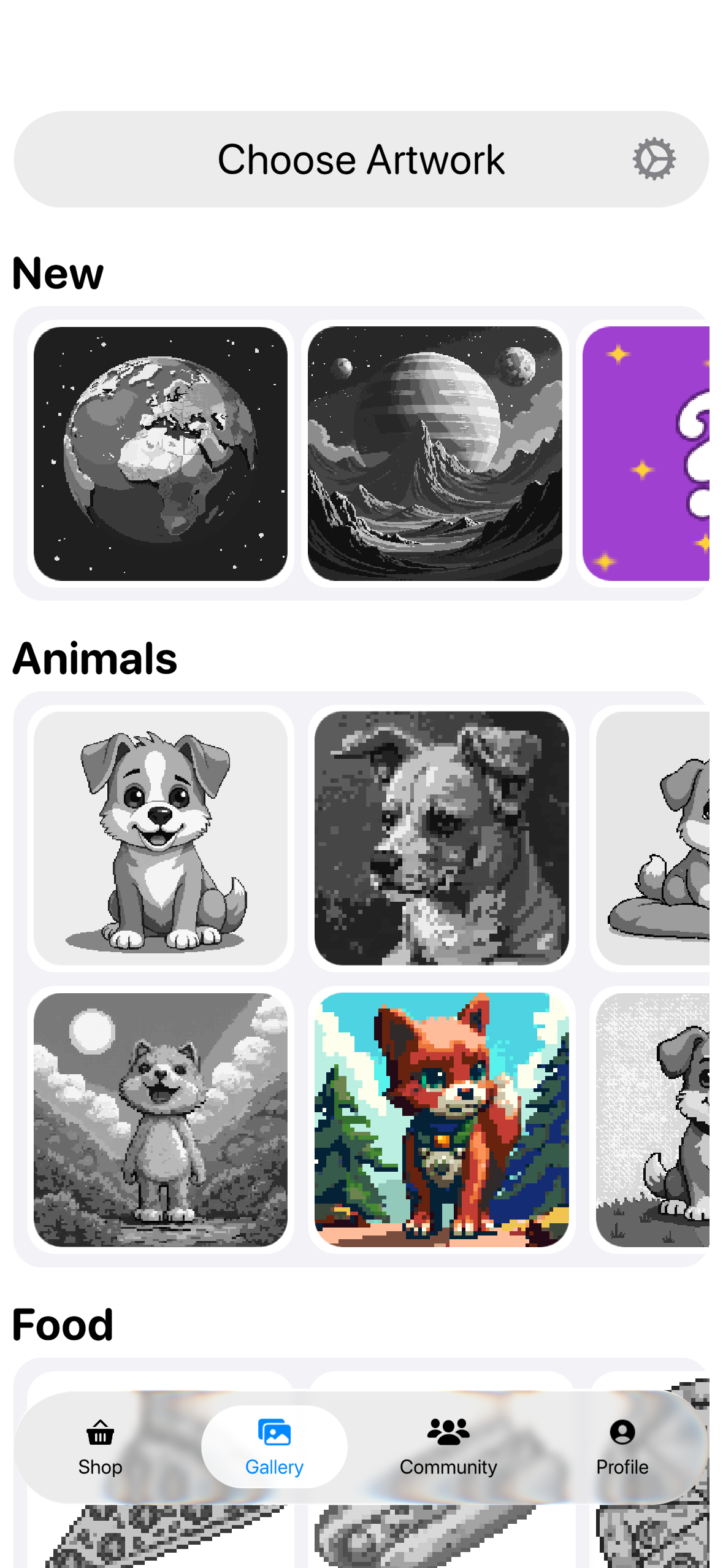
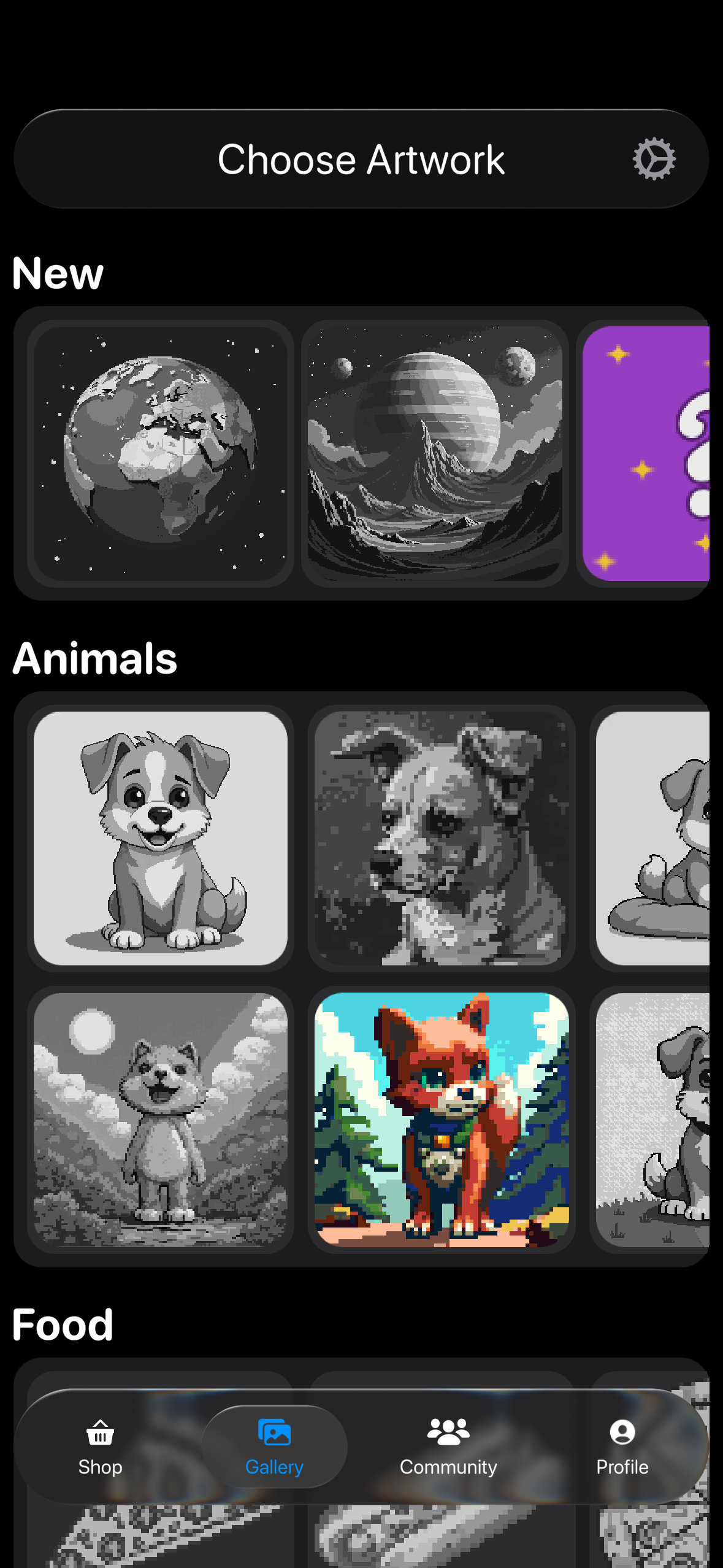
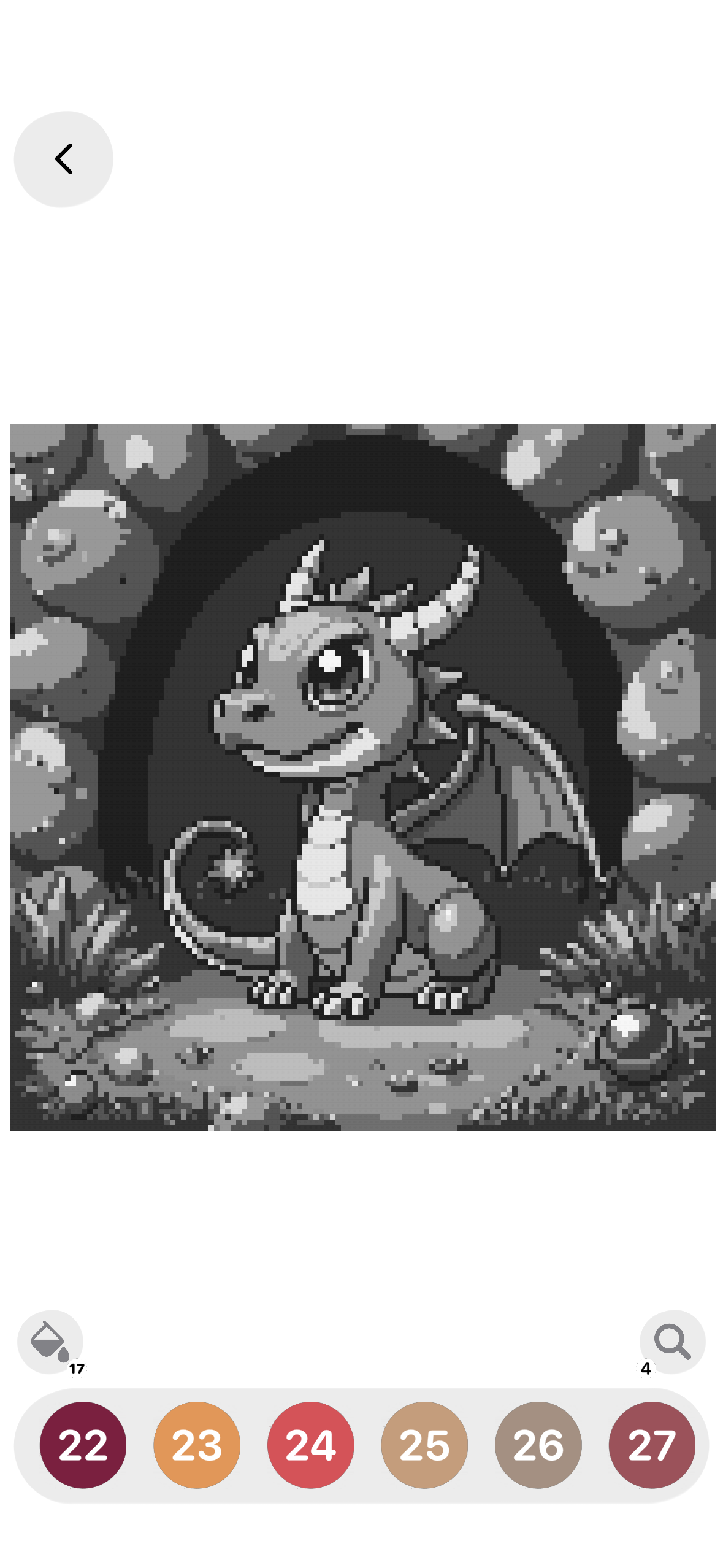
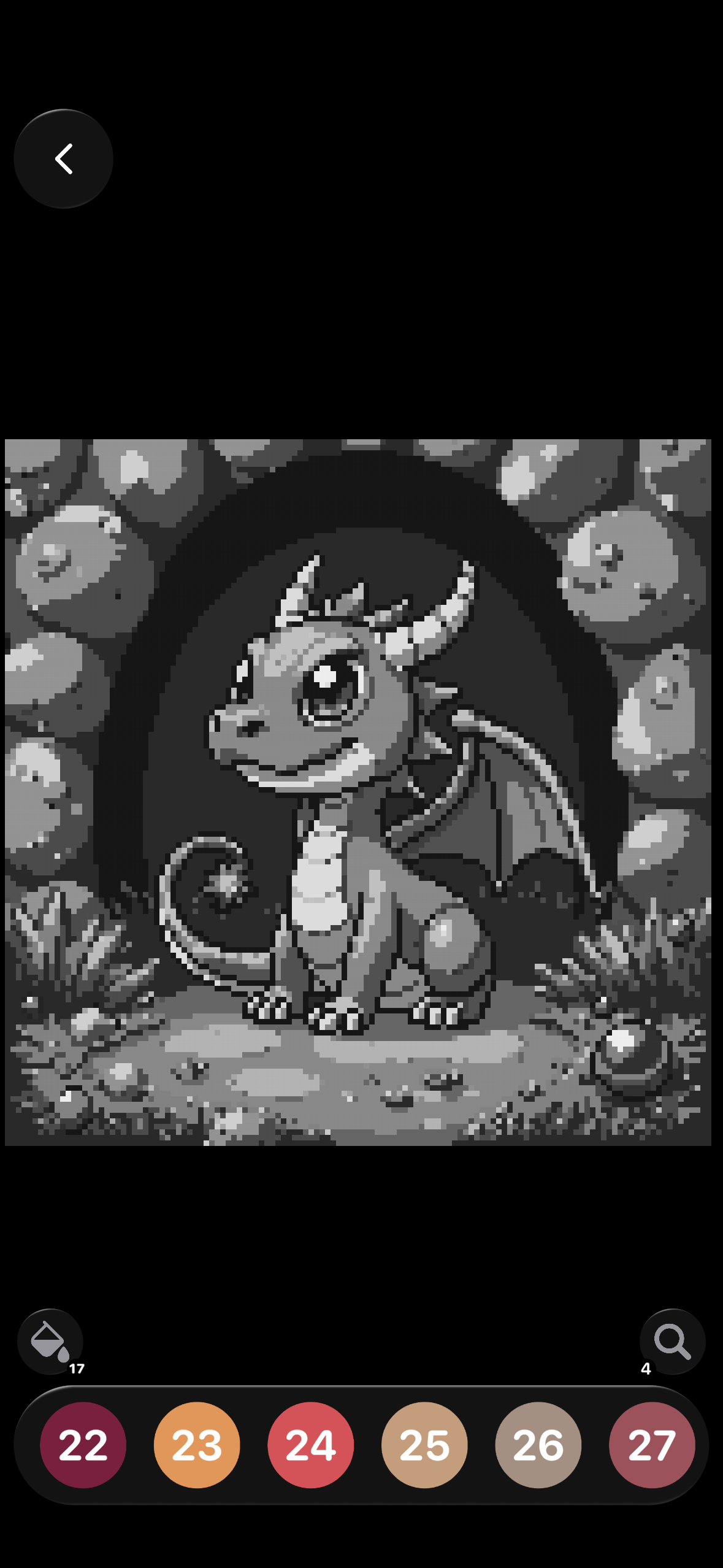
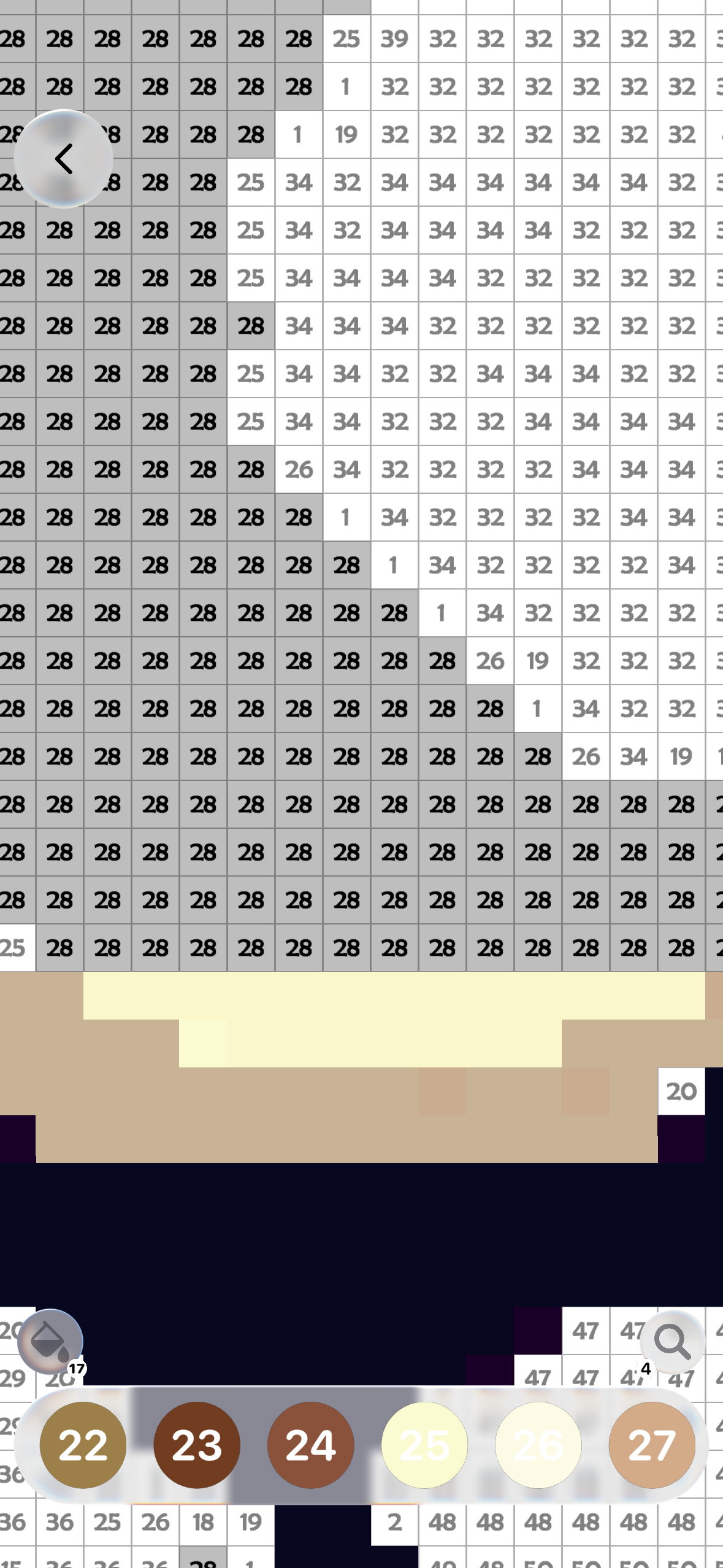
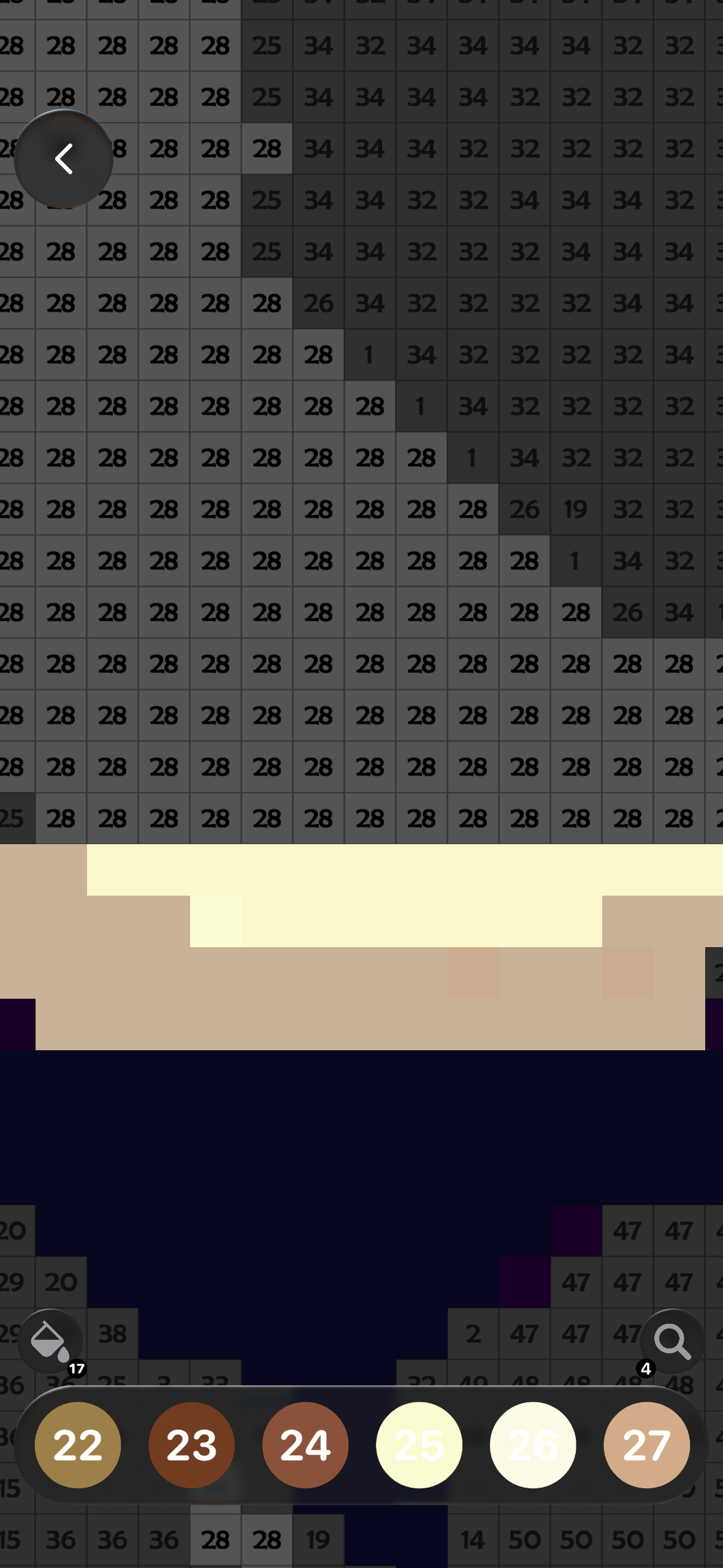
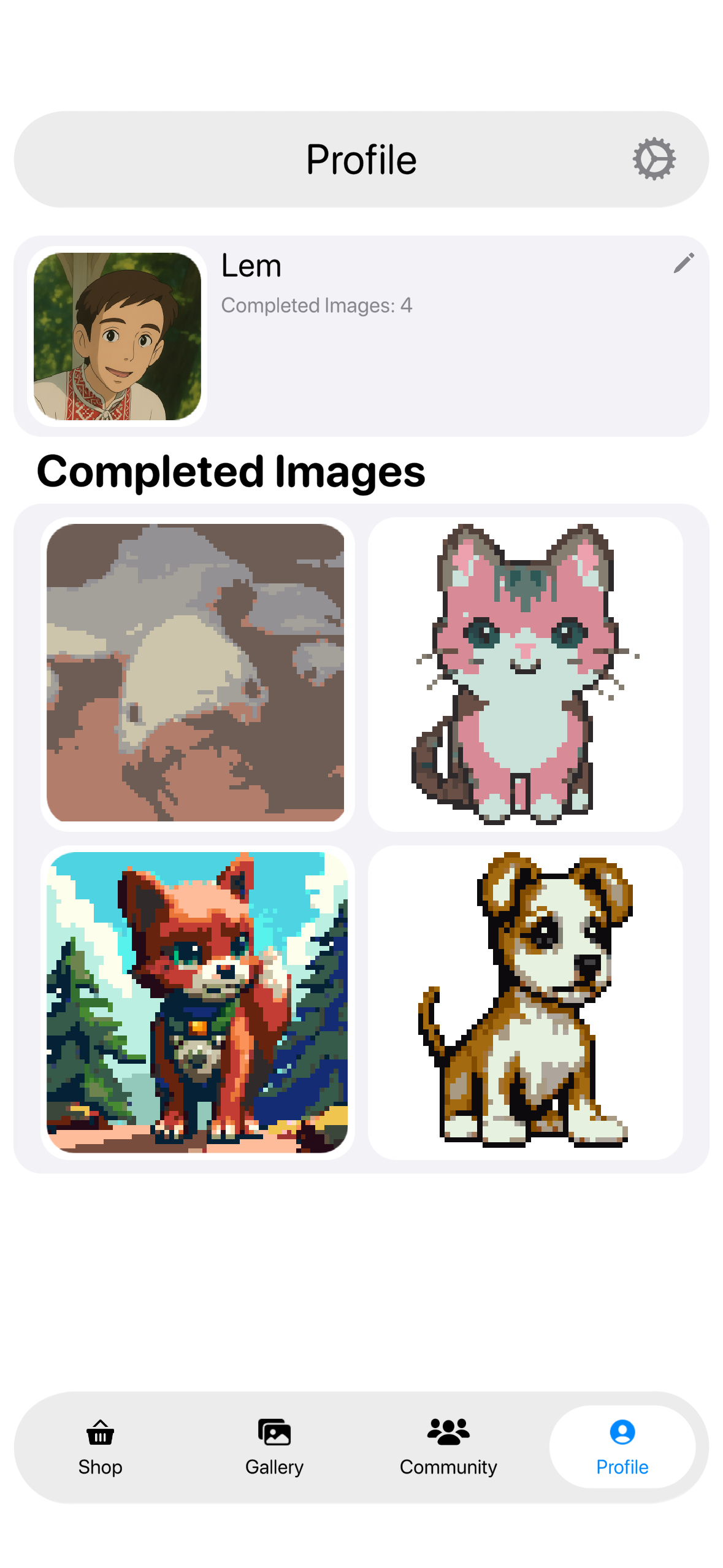
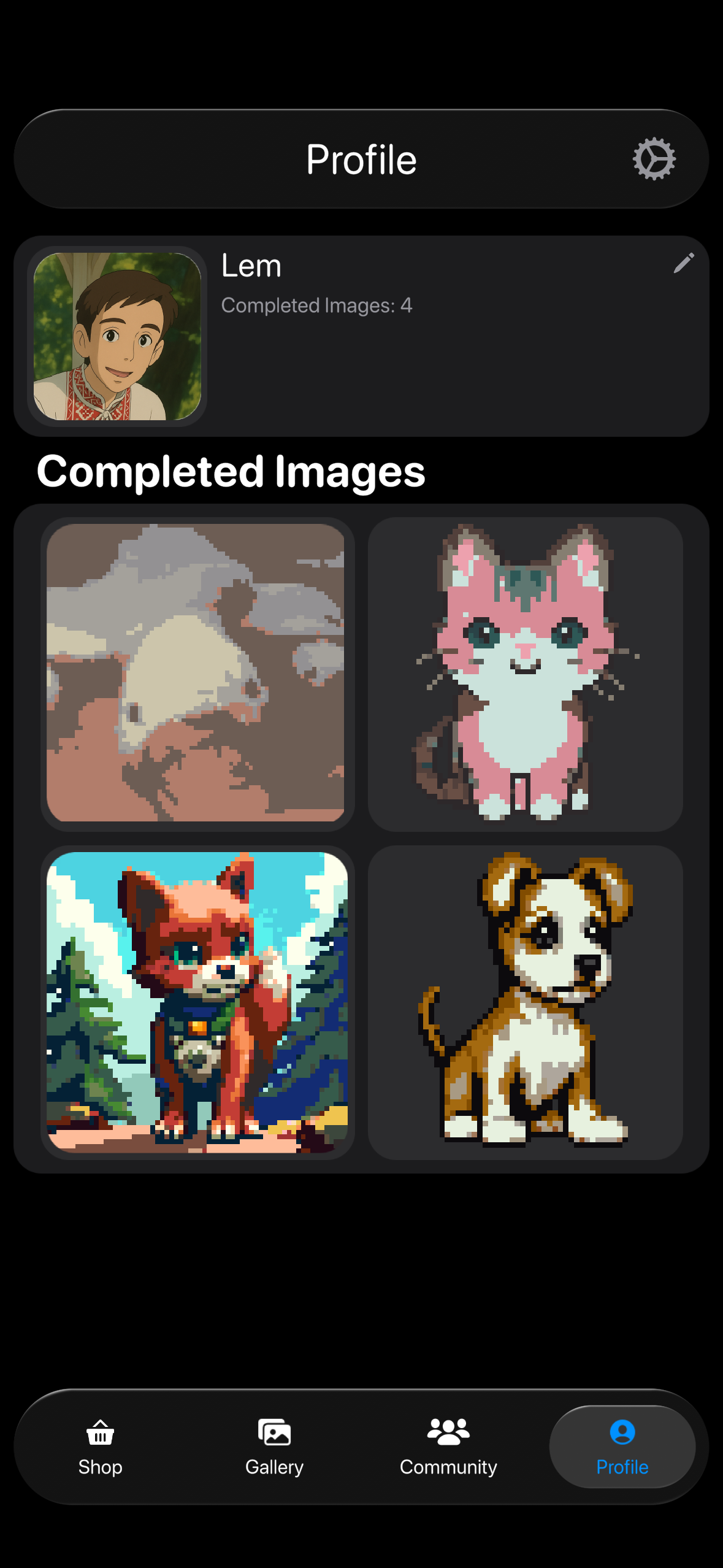
Game screenshot (light theme) Game screenshot (dark theme)

About the game

Paint by Pixels is a calm, satisfying color-by-number experience where every tap is progress. Choose from a growing library of developer-made pictures across multiple categories, or upload your own image and turn it into pixel art.

Color-by-number that feels effortless

Easy to start, satisfying to finish — no timers, no pressure.

Curated categories + fresh content

Developer-made pixel art across themes (animals, nature, characters, and more).

Upload your own images

Turn personal photos into pixel art and color them by numbers.

Community gallery

Browse pictures uploaded by other players and find inspiration.

Internet connection is required for the gallery, community content, and syncing.
Perfect for 2–15 min sessions
Unwind after a long day, take a short focus break, or enjoy a cozy evening with tea ☕️

DifficultyEasy → Medium
DevicesiPhone • iPad
Made for iOS
System-like UI, smooth zoom & pan, and Apple Pencil support on iPad.
System-like UI Apple Pencil Cloud sync Community

Screenshots

Screenshot 1 (light theme) Screenshot 1 (dark theme)
Screenshot 2 (light theme) Screenshot 2 (dark theme)
Screenshot 3 (light theme) Screenshot 3 (dark theme)
Screenshot 4 (light theme) Screenshot 4 (dark theme)
Features Built for calm focus

Everything you need to relax and create

System-like UI • Apple Pencil support • Cloud sync
Relaxing progress

Every pixel you fill is a tiny win — calming, clear, and deeply satisfying.

Curated picture library

Developer-made pixel art in multiple categories — always something cute to color.

Apple Pencil supported

Comfortable coloring on iPad with smooth, precise input.

Cloud sync across devices

Start on iPhone, continue on iPad — your progress stays with you.

Upload your own images

Turn personal photos into pixel art and color them by numbers.

Community gallery

Browse pictures uploaded by other players and find new inspiration.

Get the app iOS available • Android coming soon

Download

Available on iOS now. Android version is in development and will be released later. Internet connection is required for images, community, and cross-device sync.

Download on the App Store Download on the App Store Get it on Google Play Google Play — coming soon
App Store is live. Google Play is coming soon — the badge is intentionally disabled until launch.
How to start
  1. Pick a picture from a category (or upload your own).
  2. Follow the color numbers and tap to fill pixels.
  3. Watch it come together — your progress syncs across devices.

Android version
In development — Google Play coming soon.
No timers Apple Pencil Cloud sync Community
FAQ Quick answers

Frequently asked questions

Still have questions? Check Support in the footer.

You can start for free and enjoy the core coloring experience. Some features may be optional in-app purchases.

An internet connection is required. The game uses online access for the picture library, community content, and syncing progress between devices.

Yes — Paint by Pixels is optimized for iPhone and iPad, and supports Apple Pencil for comfortable coloring.

Yes. Upload an image, convert it to pixel art, and color it by numbers.

Yes. Progress is synced online when you use the same account. On iOS and iPadOS, the game uses Game Center. Android will use Google Play Services, with optional account linking planned.

The app loads the picture library, community content, and syncs progress across devices. Because of this, an active internet connection is required.

Yes. All community images go through automated AI-based moderation before becoming visible to other players. This helps keep the gallery safe, cozy, and appropriate for everyone.

You choose an image from your library, the app converts it into pixel art, and then you color it by numbers. Results depend on the original image and selected settings.

Yes. On iPad you can color comfortably with Apple Pencil for more precise input.

You can start and play for free. Optional purchases may be available, such as removing interstitial ads. Some boosters can be earned by watching rewarded ads.

Use the Support page linked in the footer. If you include your device model and iOS version, it helps us troubleshoot faster.

Google Play release is coming soon. The badge is disabled until launch so everything stays accurate.